
Patrick Spins app review: what UK players actually get on mobile
People searching for the Patrick Spins app usually expect a download button in the App Store or Google Play. There isn’t one. This review explains how mobile access to Patrick Spins really works for players in the UK, what each route involves, which risks come with installing an Android file from outside an app store, and what a licensed British casino app looks like by comparison.
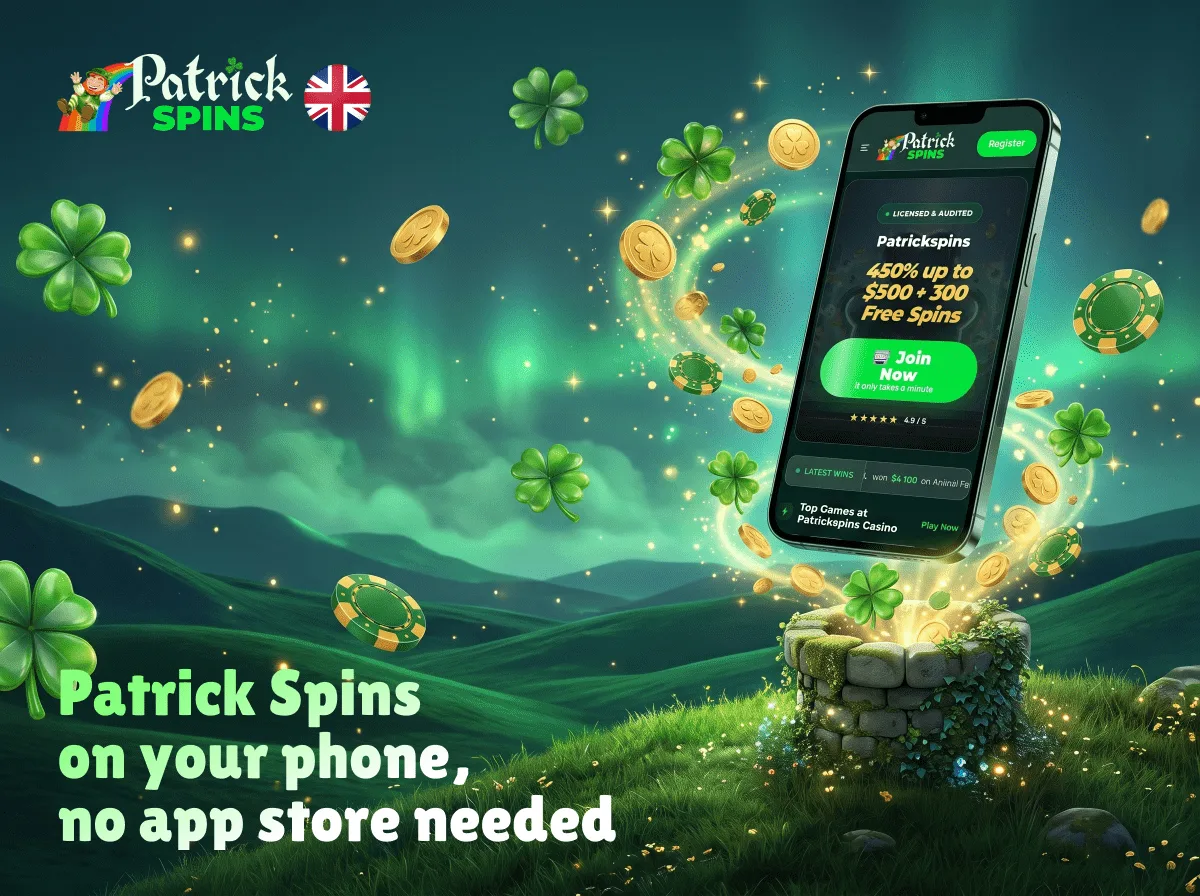
Is there a Patrick Spins app at all?
We are an independent editorial project, not the casino. Nothing on this page is an invitation to install anything or open an account. Our aim is to describe the product as it stands, using the casino’s own published information and the regulatory facts that apply in Great Britain.
The short answer is no native app in the official stores, but there are three ways to reach the casino from a phone. Patrick Spins runs a responsive website that adapts to small screens, a browser-based web app (often called a PWA) that can sit on the home screen, and a downloadable .apk file for Android offered from the casino’s own site. None of them has passed an app store review.
| Access route | Available? | Where it comes from | Main thing to know |
|---|---|---|---|
| App Store (iPhone, iPad) | No | Not listed | Apple does not carry unlicensed gambling apps in the UK store |
| Google Play (Android) | No | Not listed | Google Play only lists real-money gambling apps from licensed operators in the UK |
| Mobile browser | Yes | The casino’s website | Works on Android and iOS; no installation |
| Web app / PWA | Yes | Created from the mobile site | A home-screen shortcut to the website, not a native app |
| Android APK | Reported | Download from the casino’s own site | Installed outside Google Play, so no store vetting |
| Desktop | Yes | The same website | Same account, same rules |
The distinction between these routes matters. A mobile site and a PWA are the same website shown in a browser window; an APK is software installed on your device. Calling all three “the Patrick Spins casino app” blurs a real difference in what you are trusting.
Why the app is missing from the App Store and Google Play
Patrick Spins does not hold a licence from the UK Gambling Commission (UKGC), and neither its domain nor a related company appears on the UKGC public register. The operator behind the site is not disclosed, and no licence is displayed on the website. Both Apple and Google restrict real-money gambling apps to operators that are licensed for the market in question, so an unlicensed brand simply cannot publish a store app for British users.
This is not a technical gap that a future update will fix. It follows directly from the casino’s regulatory position. We cover that position in detail, including what it means for disputes and player protection, on our page is Patrick Spins legit.
For you as a reader, the practical consequence is simple: any “Patrick Spins app” you see promoted in a store, on social media or on a lookalike website is either something else or an unofficial copy. The casino’s own mobile page warns against unofficial copies and third-party installers, which is worth taking seriously.
Using Patrick Spins mobile in a browser
The Patrick Spins mobile site is the route with the fewest moving parts. It loads in any up-to-date browser, adjusts the layout to the screen and gives access to the same account you would use on a computer. Nothing is installed, so there is nothing to update or uninstall.
On Android
Chrome, Samsung Internet, Firefox and other mainstream browsers can open the site. If you only want to look at the game library or read the bonus terms, the browser is enough.
On iPhone and iPad
Safari is the default choice on iOS, though other browsers work in the same way because they share Apple’s rendering engine. There is no APK option for iPhone: Apple does not allow apps to be installed from websites, so the browser and the home-screen shortcut are the only routes on iOS.
On a PC or Mac
The desktop site is the same platform with a wider layout, and the same account is used on a computer and on a phone. Our page on Patrick Spins login covers sign-in problems and account security.
How to add the web app to your home screen
A PWA is a website saved to the home screen with its own icon. When opened, it usually hides the browser’s address bar, so it looks and feels like an app. Under the hood, it still loads the casino’s website every time.
On Android with Chrome, the process looks like this:
- Open the casino’s website in Chrome and check the address bar carefully, letter by letter.
- Tap the three-dot menu in the top-right corner.
- Choose “Add to Home screen” or “Install app”, depending on what Chrome offers.
- Confirm the name and tap “Add”.
- Open the new icon and check that it loads the same address you started from.
On iPhone with Safari, the steps are slightly different:
- Open the site in Safari, not inside another app’s built-in browser.
- Tap the Share button at the bottom of the screen.
- Scroll down and select “Add to Home Screen”.
- Edit the name if you wish and tap “Add”.
Removing a PWA is as simple as deleting the icon. Because no software is installed, there are no app permissions to review, which is the main reason we consider this route lower-risk than an APK.
How the Android APK route works
Third-party reports and the casino’s own mobile page describe a downloadable Android file offered from its website. Installing it means stepping outside Google Play, which changes several safety assumptions. We describe the process so readers understand what is involved, not as a recommendation.
- Android blocks files from unknown sources by default, so the browser must be granted permission to “install unknown apps” in the phone’s settings.
- The .apk file is downloaded from the website and opened from the notifications bar or the Downloads folder.
- Google Play Protect may display a warning that the app is from an unknown developer or has not been scanned.
- The installer lists the permissions the app requests before it is completed.
- After installation, the permission to install unknown apps stays active for that browser until it is switched off again.
Each of these steps removes a safeguard that a store download would provide. Google does not review the file, there is no developer page with a verified identity, and updates arrive only if the site pushes a new file and you install it manually.

Device requirements by access route
Patrick Spins does not publish minimum system requirements for its mobile platform. The table below therefore describes what each route needs in general terms, based on how browsers, PWAs and Android installation work, rather than brand-specific version numbers.
| Route | Device | What you need | Storage | Updates |
|---|---|---|---|---|
| Mobile browser | Android, iPhone, iPad | An up-to-date browser and a stable connection | None beyond the browser cache | Automatic, as the site changes |
| Web app / PWA | Android (Chrome), iPhone (Safari) | A browser that supports “Add to Home Screen” | A few megabytes for the shortcut and cache | Automatic, loads the live site |
| Android APK | Android only | Permission to install unknown apps; space for the file | Depends on the file | Manual, by downloading a new file |
| Desktop | Windows, macOS, Linux | A current browser | None | Automatic |
Live dealer tables are the most demanding part of any casino site. Video streams use far more data than slots, so on mobile data it is worth checking your allowance before opening a live table, and a weak signal can drop a stream mid-round.
What the Patrick Spins casino app and mobile site include
Whichever route you choose, you reach the same platform. The casino lists slots, live casino, crash and fast games, table and video games, arcade and bingo titles, virtual sports and a sportsbook with esports. Live tables are credited to studios such as Evolution, Pragmatic Play Live, Ezugi and Vivo, and the slot lobby features titles like Book of Dead, Gates of Olympus 1000, Big Bass Bonanza and Sweet Bonanza.
The features available on a phone break down as follows:
- Games: the full lobby, including live dealer tables and crash games such as Aviator, Plinko and Mines.
- Cashier: deposits by Visa and Mastercard (debit and credit), Bitcoin, Tether, Ethereum and bank transfer; withdrawals by bank wire, Bitcoin and Mastercard.
- Bonuses: the welcome package and no deposit offers are shown in the promotions area, with the same 40x and 70–75x wagering terms as on desktop. Our Patrick Spins bonus review breaks them down.
- Verification: document photos for KYC can be uploaded from the phone camera when the first withdrawal is requested.
- Support: live chat inside the site and email.
- Notifications: the casino states that bonus codes may arrive via notifications in the account area; whether a PWA or APK sends push alerts is not documented.
What the mobile platform does not offer is just as relevant. There are no instant self-exclusion or cooling-off buttons of the kind required on UKGC sites: according to the information we have, a break or self-exclusion has to be requested by emailing support.
Native app, mobile site or PWA: how they compare
If Patrick Spins had a store app, it would sit in the first column of the table below. In practice the choice for UK players is between the browser, a PWA shortcut and an unvetted APK. The comparison shows where the differences lie.
| Feature | Store app (licensed casinos) | Patrick Spins mobile site | Patrick Spins PWA | Patrick Spins APK |
|---|---|---|---|---|
| Reviewed by Apple or Google | Yes | Not applicable | Not applicable | No |
| Installation | From the store | None | Home-screen shortcut | Manual, unknown sources |
| Works on iPhone | Yes | Yes | Yes | No |
| Updates | Through the store | Automatic | Automatic | Manual |
| Device permissions | Listed and store-checked | Browser only | Browser only | Requested by the file |
| Easy to remove | Yes | Close the tab | Delete the icon | Uninstall the app and revoke permissions |
| Operator identity shown | Verified developer page | Not disclosed | Not disclosed | Not disclosed |
On balance, the browser and the PWA expose your device to less than an APK does, while offering the same games and account functions. The APK adds no feature that the website lacks according to the information available to us.
Safety: what to check before downloading anything
Sideloading an APK means trusting the file, the website that served it and every update that follows. With an operator that does not disclose its identity, that trust has nothing to rest on. Third-party monitoring has also recorded that the brand changes domains over time: 77patrickspins.com, for example, was used as a casino domain, and dozens of lookalike addresses exist that have no connection to the operator.
If you are weighing up the risk, keep these points in mind:
- Check the source. Many sites with “patrick spins” in the domain are third-party pages, and some call themselves “official” without giving any company details.
- Read the permission list. A casino app has no reason to request access to SMS, contacts or call logs.
- Do not disable Play Protect. A warning is a signal to stop, not an obstacle to click past.
- Switch the permission off again. After installing any APK, revoke “install unknown apps” for your browser.
- Keep financial details separate. Card photos for KYC should show only the first six and last four digits, with the CVV covered, as the casino itself asks.
Searches such as “77 Patrick Spins app download” or “Patrick Spins 777 apk” tend to lead to exactly the kind of unverified mirrors described above. We do not link to any download file.
Updates and common problems
Browser and PWA users never need to update anything, because the site loads its latest version each time. APK users depend on the casino releasing a new file, which they must find and install themselves. The table below lists typical mobile issues and what usually resolves them.
| Problem | Likely cause | What to try |
|---|---|---|
| Site does not load | Domain changed, blocked network or outdated bookmark | Check the address; do not follow links from unknown mirrors |
| PWA icon opens a blank screen | Cached data from an older version | Clear the browser cache and recreate the shortcut |
| APK will not install | Unknown sources blocked or a corrupted download | Weigh up whether to proceed at all; the browser offers the same games |
| Play Protect blocks the app | The file is unverified | Treat the warning seriously and use the browser instead |
| Live stream freezes | Weak or switching connection | Move to Wi-Fi or lower video quality if the table offers it |
| Logged out repeatedly | Cookies cleared or private browsing | Allow cookies for the site in normal browsing mode |
| Bonus not shown on mobile | Excluded payment method or offer not activated | Crypto and some card routes may not trigger bonuses; check the terms |
For account-level issues, such as a forgotten password or a locked profile, mobile and desktop behave identically. Our Patrick Spins sign up page explains what the registration form asks for and when verification starts.
What to look for instead: licensed casino apps in the UK
A UKGC-licensed casino can publish an app in the UK App Store and Google Play, and that alone changes the picture. The store reviews the software, the developer identity is visible, and the operator behind it is bound by British rules on verification, bonuses and player protection.
If you want to play on a phone in the UK, these checks help you find a licensed alternative without relying on anyone’s recommendation:
- Look up the operator’s name and the exact domain on the public register at gambling-commission.gov.uk.
- Confirm that the casino is connected to GAMSTOP, the national self-exclusion scheme.
- Check that it names an approved dispute service such as IBAS.
- Read the bonus terms: since 19 January 2026, wagering on UK casino bonuses is capped at 10x.
- Expect identity and age checks before you can deposit or play, not only when you withdraw.
- Download the app from the official App Store or Google Play listing, where the developer name matches the licensed company.
We do not name specific brands. The register is the single reliable source, and it shows whether a licence is active today.
Responsible gambling on mobile
Gambling is for adults aged 18 and over, and it should be treated as paid entertainment with a real risk of losing money, never as income. Phones make it easy to play in short, frequent sessions, so set a budget and a time limit before you start, and stop when you reach either.
Patrick Spins does not offer the instant, dashboard-based limits and self-exclusion tools that UKGC rules require, and the site is not connected to GAMSTOP. If gambling is causing problems, free and confidential help is available from GamCare on 0808 8020 133 and at BeGambleAware.org, and blocking software such as Gamban can stop gambling sites loading on your devices. More resources are listed on our responsible gambling page.
FAQ
These are the questions readers most often ask about using Patrick Spins on a phone. Each answer is based on the casino’s published information and the UK rules that apply to it.
Can I download the Patrick Spins app from the App Store?
No. There is no iOS app in the App Store, and Apple does not allow apps to be installed from websites. On an iPhone, the casino can only be opened in a browser or through a home-screen shortcut.
Is the Patrick Spins APK safe to install?
It has not been reviewed by Google, the operator is not disclosed, and updates are manual. That does not prove the file is harmful, but it removes the checks a store app would have, so the risk sits entirely with you.
Does the mobile site have the same games as desktop?
According to the casino, the mobile site gives access to the same lobby, including slots, live tables, crash games and the sportsbook.
Will a bonus work if I deposit from my phone?
The bonus rules do not change by device. What can stop a bonus from activating is the payment method: crypto deposits and some card processors are reportedly excluded from automatic bonus triggers.
Why does the Patrick Spins site address keep changing?
The brand has used more than one domain, and many unrelated lookalike sites use similar names. If an address looks different from the one you know, treat it with caution rather than logging in straight away.
Can I verify my account from my phone?
Yes. KYC is requested at the first withdrawal, and documents such as a passport, a proof of address issued within the last 90 days and a masked card photo can be uploaded from a phone camera.
Is a PWA the same as an app?
No. A PWA is a shortcut that opens the casino’s website in a browser frame without the address bar. It is convenient, but it is not installed software and offers no protection beyond what the website itself provides.
Can I set deposit limits in the mobile version?
Patrick Spins does not apply limits in the way UKGC-licensed sites must. Self-exclusion and cooling-off periods are handled by emailing support, so they are not instant from the mobile interface.**